Installation
Learn how to install and set up Fit Check on your Shopify store.
Install from the Theme Store
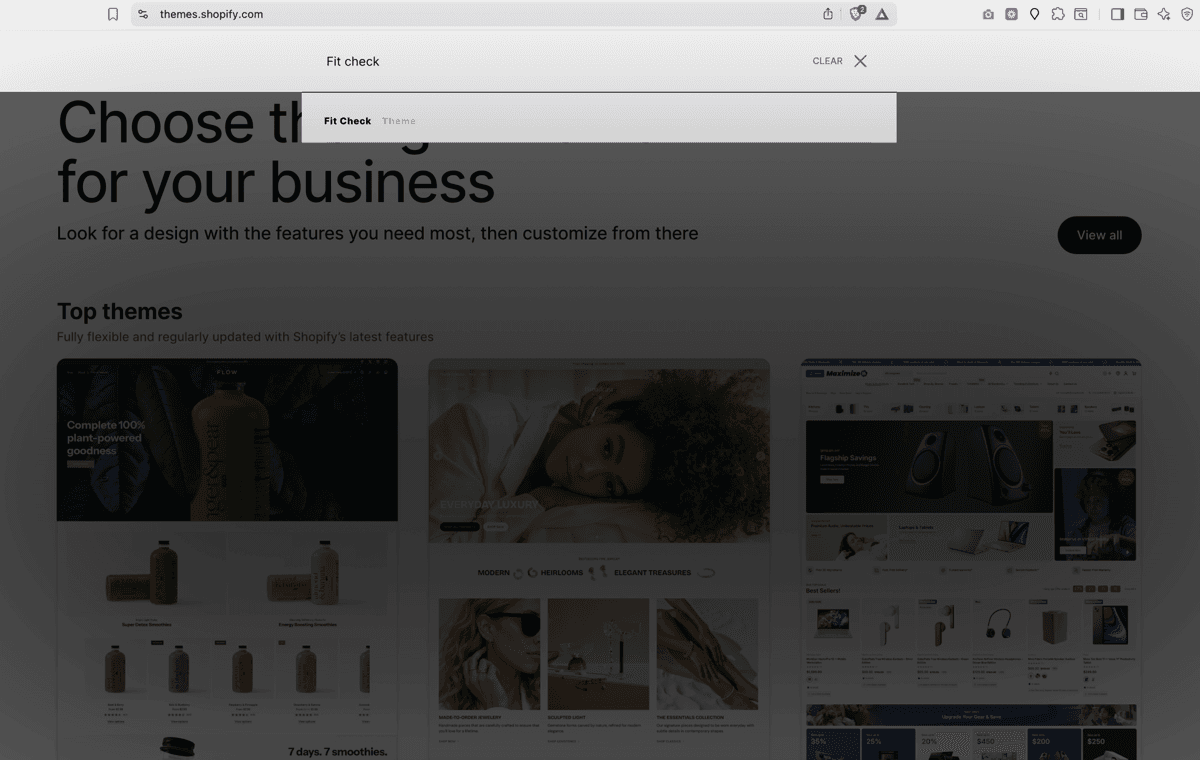
Fit Check is available in the Shopify Theme Store. Choose the Fit Check preset , Relic preset , or Destill preset . These are three starting designs of the same theme; choose the one whose initial styling and layout best suit your store.
- Open an official preset listing above and select Try theme.
- In Shopify admin, find the theme under Online Store > Themes > Draft themes.
- Select Customize and connect your own products, collections, images, video, navigation, and brand settings.
- Preview the draft on desktop and mobile. Buy the theme in Shopify admin before publishing it.
Pre-launch Setup
Before publishing Fit Check, keep all setup changes in a draft theme. This lets you configure global settings, templates, sections, product data, search, and cart behavior without changing the live storefront.
- In Shopify admin, go to Online Store > Themes.
- Find the Fit Check draft theme in your theme library.
- Click Customize to open the theme editor.
- Follow the Setup Checklist.
- Use Preview to review desktop and mobile storefront behavior before publishing.
After Adding the Theme
- Preview your theme — Click Preview next to the theme name to see how it looks with your existing content.
- Customize settings — Click Customize to open the theme editor and configure global settings like colors, typography, and layout.
- Follow the setup checklist — Work through Setup Checklist, Global Settings, and the key template references before publishing.
- Buy and publish — Complete the Theme Store purchase in Shopify admin, then publish the ready draft theme.
Update an existing store
Check Latest updates and the version notification in Shopify admin before updating. 1.8.0 was published in the Shopify Theme Store on October 8, 2026.
When Shopify offers an update, use Add to draft themes and review that draft with your store’s products, apps, custom text and translations. Shopify carries supported editor customizations and compatible code edits into the updated draft; conflicting code edits may need manual reapplication. See Shopify’s update guidance .
When updating to 1.8.0, review:
- Custom text and translations: merchant-written section and block text remains yours. Newly localized unchanged starter copy does not replace it. Follow formatted starter translation guidance when migrating an older customized rich-text translation.
- Custom pickup CSS: pickup dialogs retain their CSS classes but now sit directly under the page body. Target retained classes such as
.fit-pickup__dialogdirectly; selectors that require a product-section orstore-pickupancestor need review. See Pickup availability. - Storefront checks: review search page and drawer, localized labels and stock counts, announcement/header spacing, gift-message counts, variant changes and pickup open/close behavior on desktop and mobile.
Keep the current theme as a backup while reviewing the updated draft.
Requirements
- A Shopify store on any plan (Basic, Shopify, Advanced, or Plus).
- No third-party apps are required for the core theme experience. Optional features such as subscriptions, reviews, loyalty, or advanced merchandising can be added with Shopify apps that fit your store’s needs.